

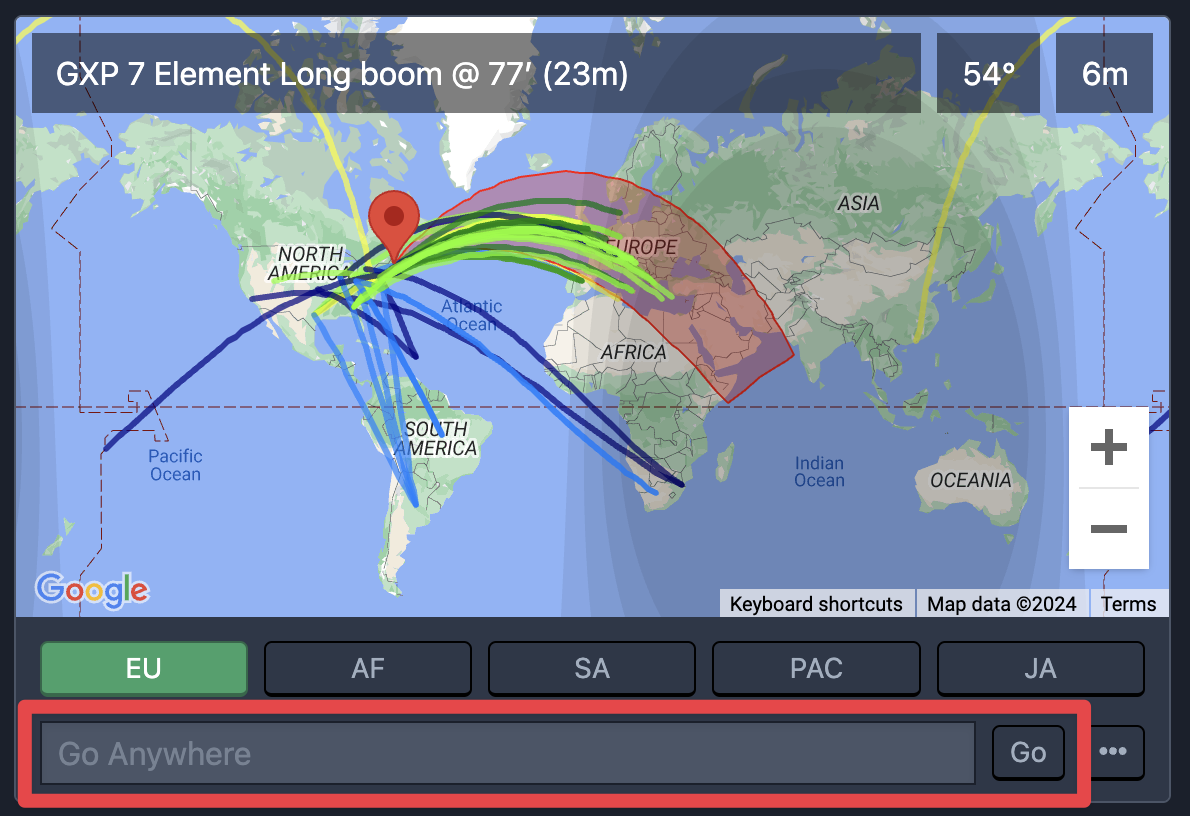
At the bottom of the antenna panel, you'll find the Go Anywhere input box. This text field accepts a variety of search queries, including:
Callsigns
Callsign prefixes
Maidenhead grid locators
Summits On The Air summit designators
Headings
If a rotatable antenna is selected, then the rotor turns towards the destined heading. If the current antenna has selectable directions, e.g. a four-square, then the closest antenna to the desired heading is selected.
Callsigns
When a callsign is entered, a lookup is performed on QRZ.com for an exact match.
If the callsign is not found, then the callsign prefix is used to look up the geographic center of the DXCC entity.
Callsign prefixes
If a partial callsign prefix is provided, it is used to look up the geographic center of the DXCC entity.
Maidenhead grid locators
Grid locators may be provided in 4-character or 6-character formats.
SOTA designators
The complete summit identifier must be provided, e.g. W1/CR-001.
Headings
A simple compass heading may be entered.