

The CTR2-Dial is a USB MIDI controller that interfaces with the RHR console to provide a physical tuning knob and CW key.
The CTR2-MIDI device is also supported.
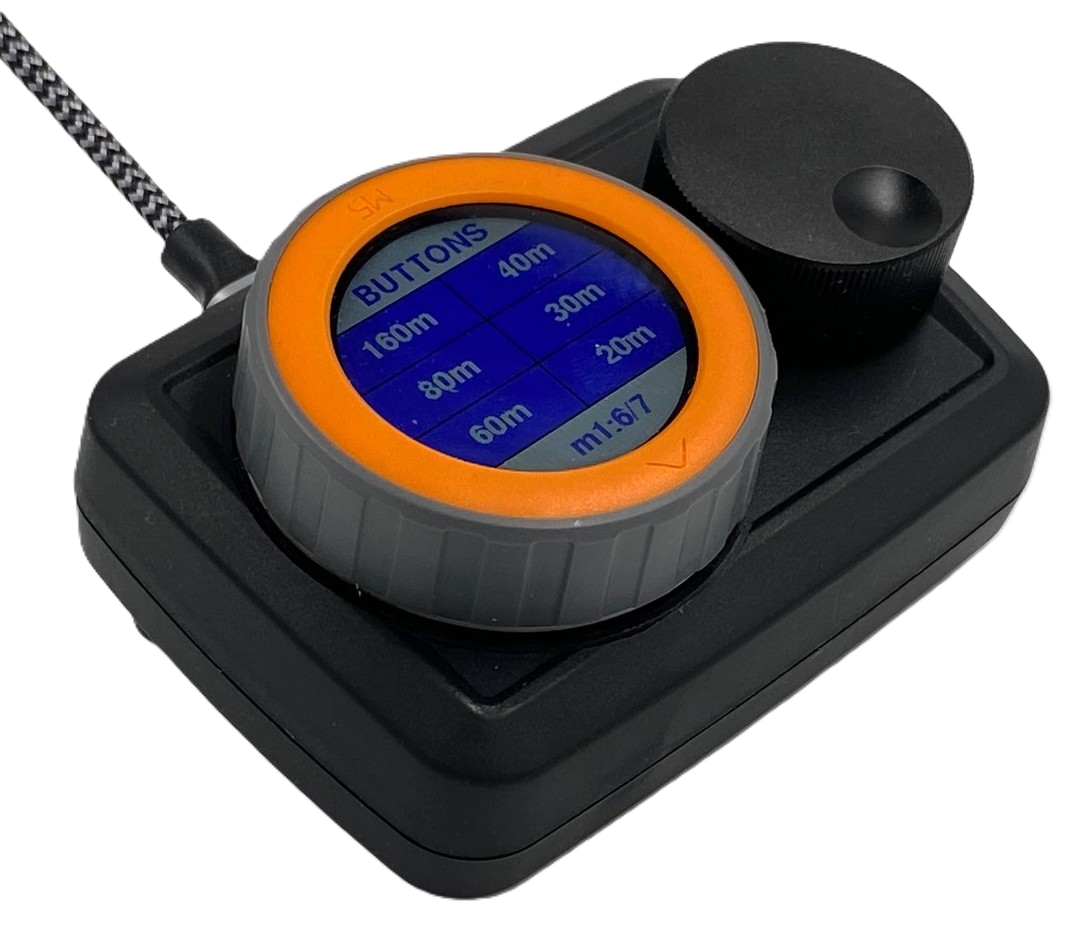
Hardware Configuration
Use the knob around the screen to move between settings pages.
Page 2/7 - Ctrl Map: 1
Page 4/7 - Port B: Paddles
Page 5/7 - Pdl In: 20/21 <-- not the default value; very important for CW!
Software Configuration
In the console, go to Tools -> Browser Devices.
Under MIDI Device, select STAMP_S3.
Finally, check Enable CTR2-MIDI.
No other settings need to be changed. The knob will tune the VFO, and a paddle will emit CW when the transmit slice is in CW mode.