
If you forget your password and need to reset it, follow these steps.
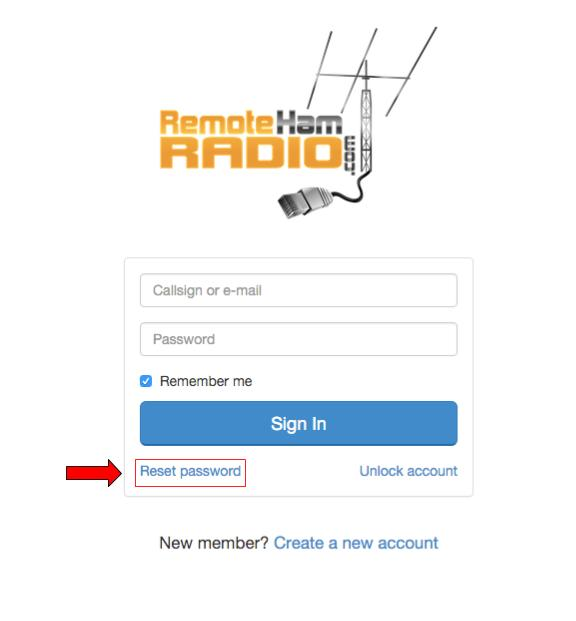
When logging into RHR you'll have the option in the bottom left corner that say "Reset Password"
You'll be asked to enter your email associated with the account.
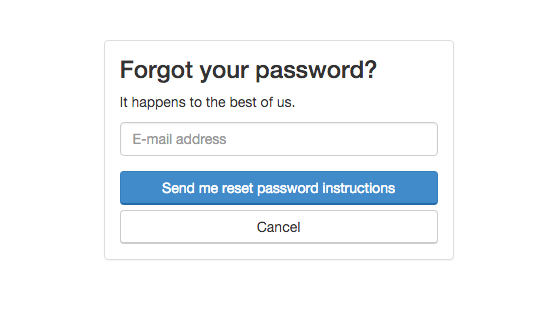
Just follow the few simple instructions that will be sent to your email to reset your password.